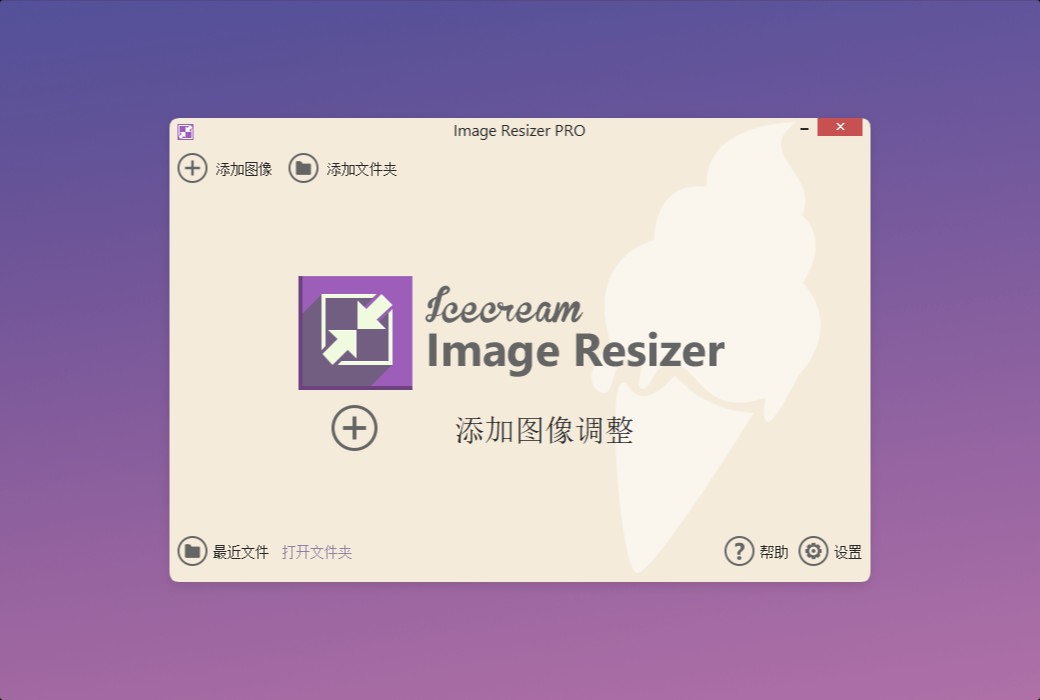
Icecream Image Resizer is a batch image adjustment tool for Windows that makes it easy to optimize photos. It supports JPG, JPEG, PNG, BMP, GIF, and TIFF formats, with an intuitive interface and rich preset options. It can quickly adjust the size of images in batches, making it your first choice for efficient image processing.
Main functions
- Supported image formats
With Icecream Image Resizer, you can resize images in the following common formats: JPG, JPEG, PNG, BMP, GIF, and TIFF.
- Batch adjust photo size
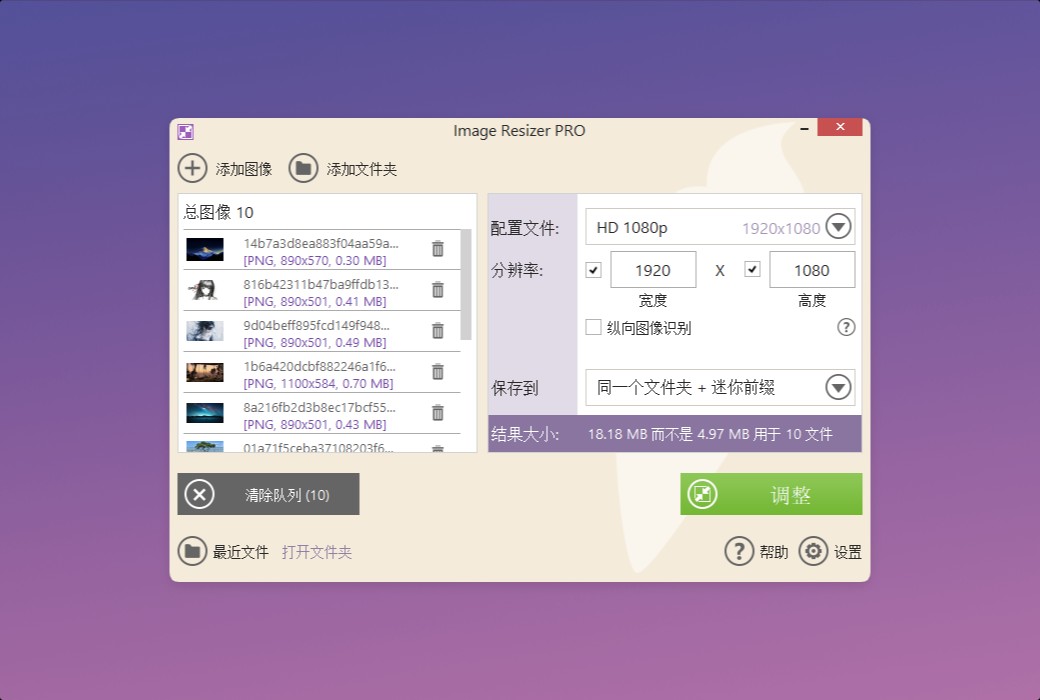
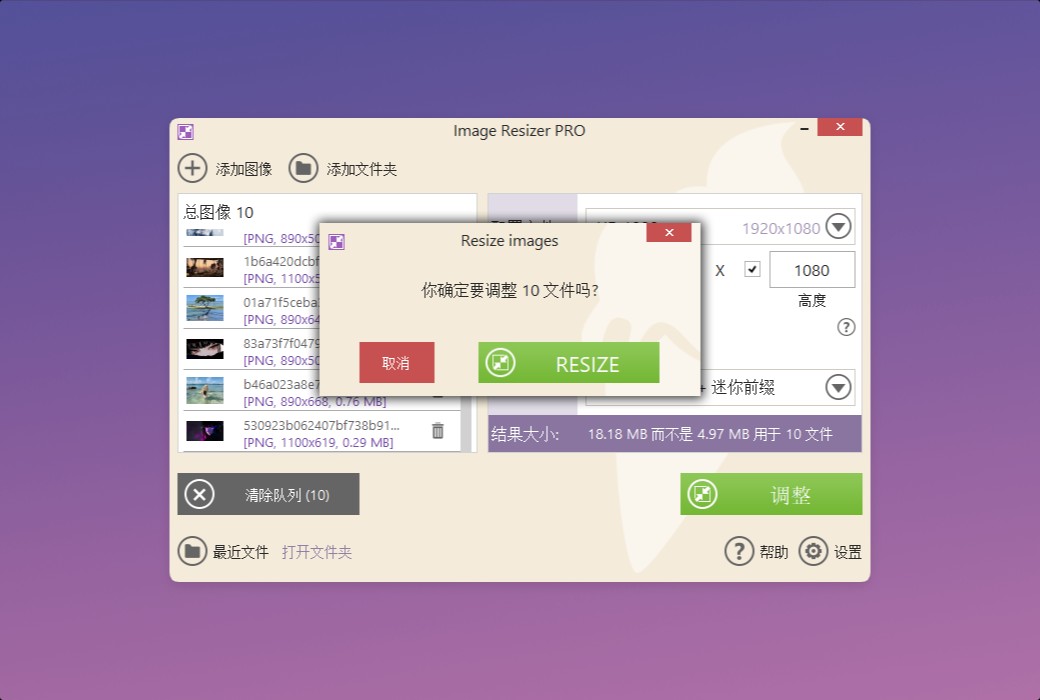
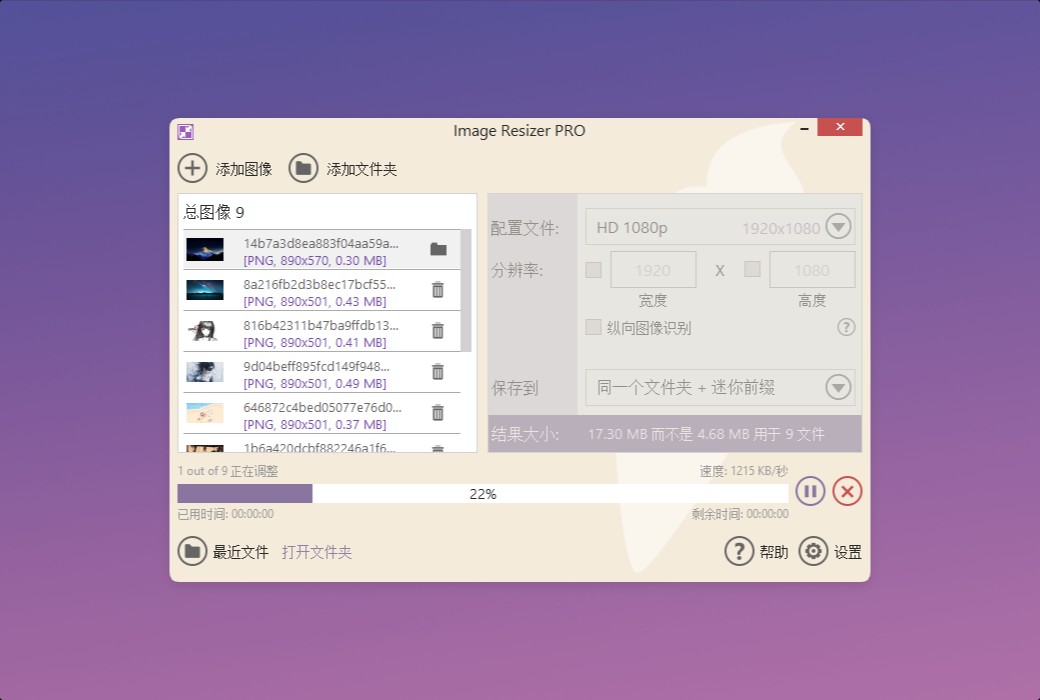
You can add any number of photos to the image resizing tool. Manually adjust the resolution or select a preset value to shrink all photos at once. The number of files is not limited.
- Intuitive interface
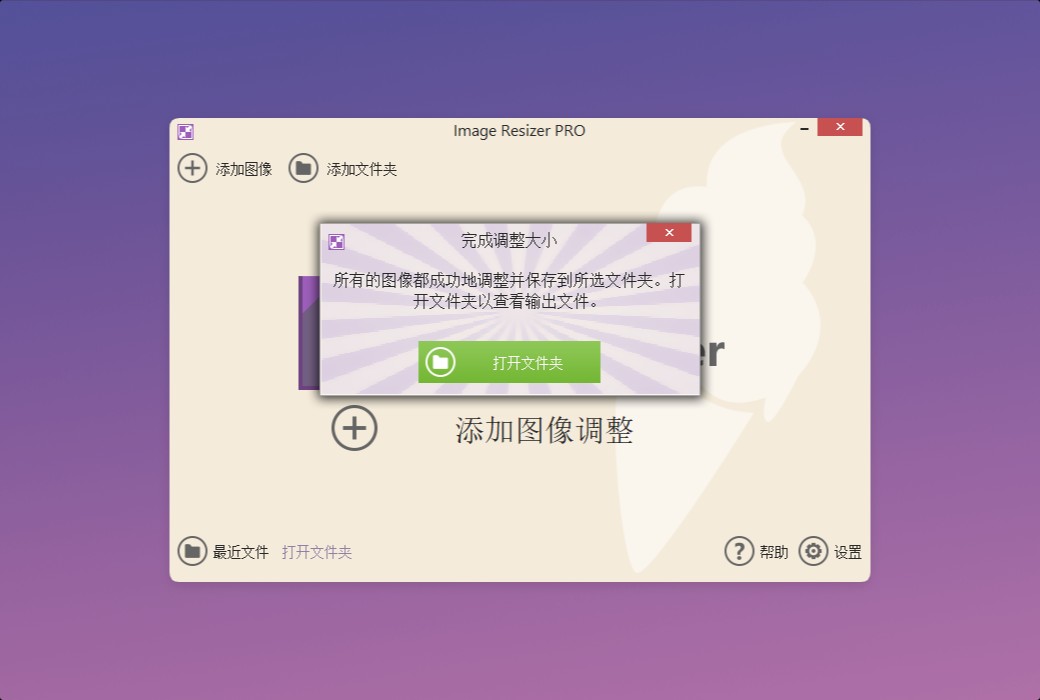
Drag and drop the image you want to resize into the program window, customize the output settings, and then click the 'Resize' button. It's that simple.
- Windows image resizer
Icecream Image Resizer is designed specifically for Windows systems and supports all versions of Windows, from Windows 7 to Windows 11. Download this best image adjustment tool for Windows to easily adjust photos.
- Free download
All major functions of this program are available for free use. If you need unlimited batch resizing of images, please upgrade to Icecream Image Resizer Professional Edition.
Features
- Size preset
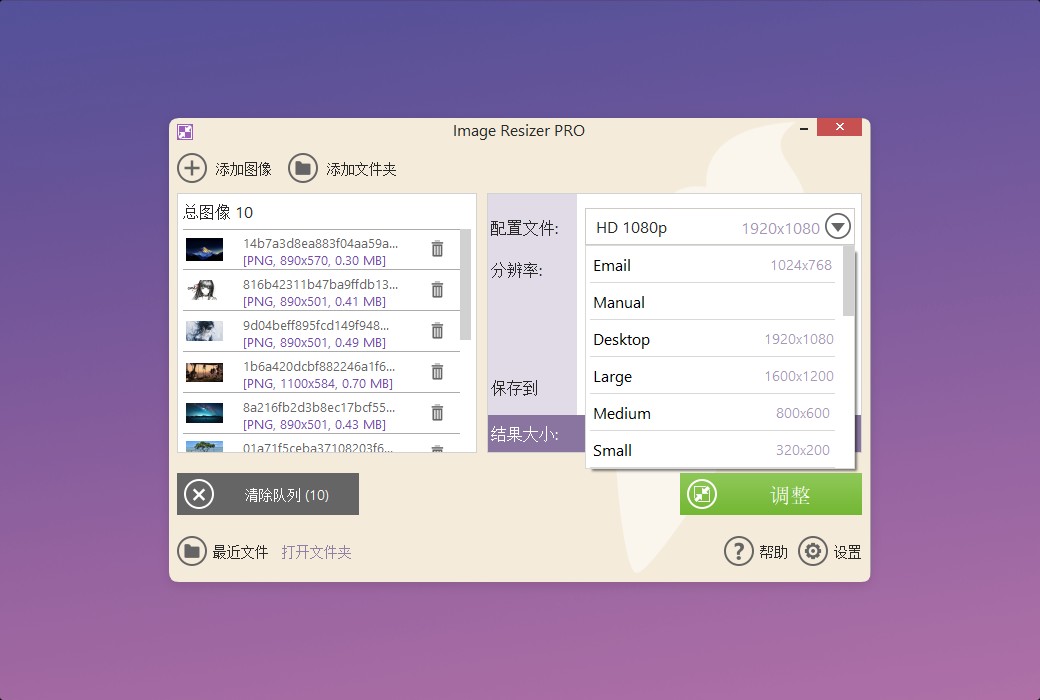
Using pre-defined size presets, suitable for platforms such as email, Facebook, Twitter, Instagram, etc. You can also set custom sizes to fully control the output size.
- Batch image resizing
You can add files one by one or import the entire folder containing photos at once. Icecream Image Resizer will process all images, saving you time and effort.
- Custom watermark
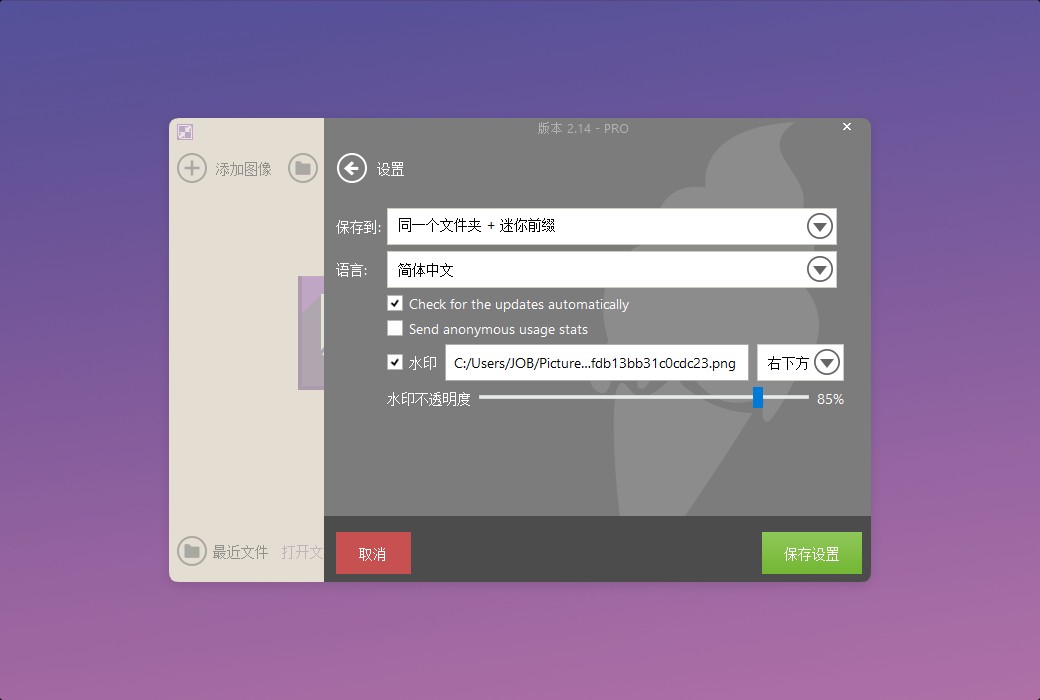
Add your own logo to the resized image. Icecream Image Resizer will help you protect copyright and make the output images look more professional.
- Vertical image recognition
The photo resizing tool can detect vertical images and automatically adjust their width and height settings.
- Final size estimation
Before shrinking the photo, please check the overall estimated size calculated for the selected preset.
- Output Settings
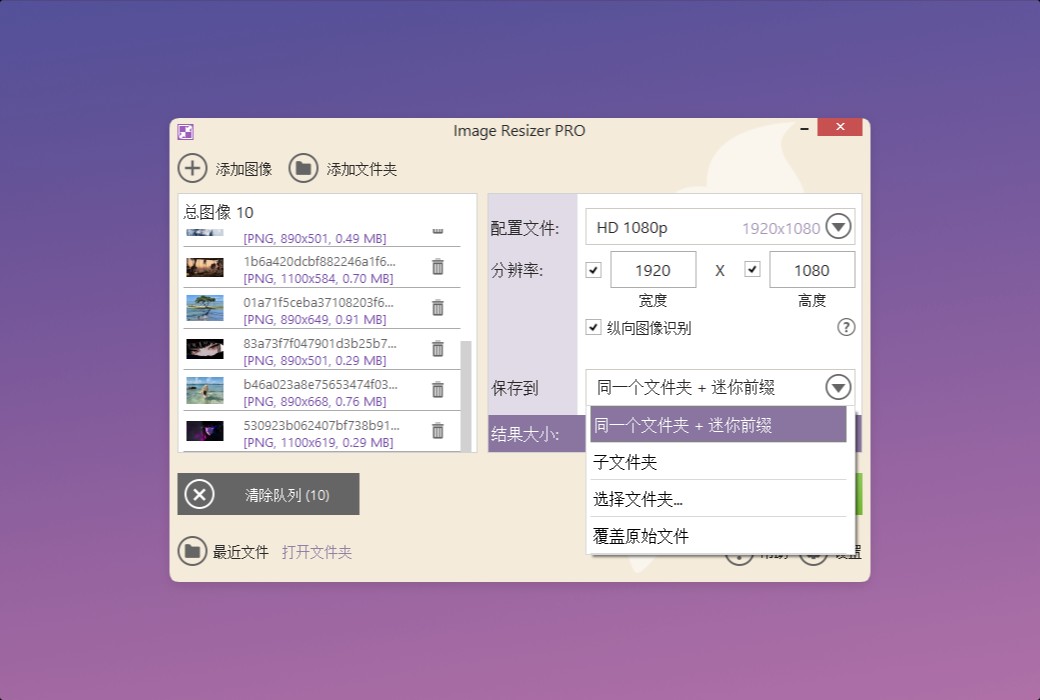
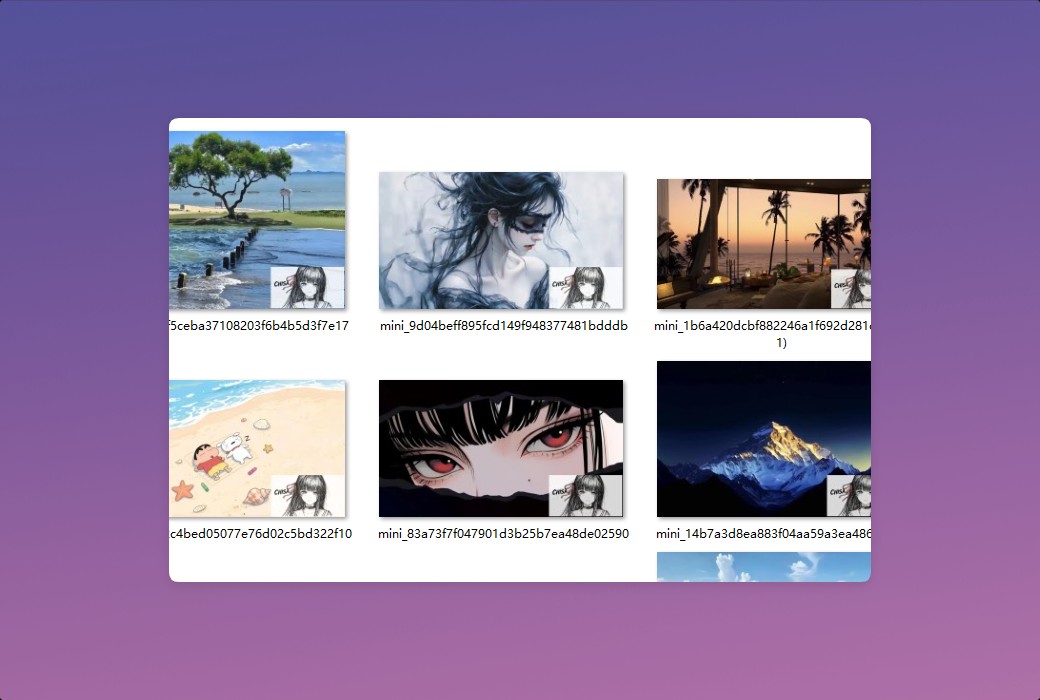
Choose whether to save the result image to a specific folder, subfolders, or overwrite the original file.

 Icecream Image Resizer Multi Format Image Batch Adjuster Software